
Microsoft 365 E7 can be worth considering when the added capabilities meet a funded, deployable need and its incremental cost compares well with the alternatives your organization would actually buy. Moving to the highest-numbered suite is not a business case. Neither is a discount against components you never intended to purchase.
Microsoft announced E7 on March 9, 2026, with general availability on May 1. Its launch announcement brings Microsoft 365 E5, Microsoft 365 Copilot, Agent 365 and Microsoft Entra Suite together. This is an existing offer to evaluate, rather than a new November launch.
How the bundle kept expanding
For organizations that began with on-premises Office and separately managed server products, the commercial conversation has changed substantially. Office 365’s 2011 launch combined productivity and online services in a recurring subscription. That did not make every on-premises deployment disappear; it changed the purchasing options.
Teams reached general availability in March 2017. Later that year, the Microsoft 365 introduction combined Office 365, Windows and Enterprise Mobility + Security, with Enterprise E3 and E5 available that August. Office 365 E5 and Microsoft 365 E5 are not interchangeable product names.
Enterprise Copilot for Microsoft 365 became generally available in November 2023. Teams packaging changed again in 2025, including with-Teams and without-Teams choices. E7 now adds another bundle decision around AI and governance.
That history explains why a renewal can feel like a succession of upgrades. It does not establish a compulsory on-premises-to-E3-to-E5-to-Copilot-to-E7 sequence. Teams predates the Microsoft 365 brand, and buyers still need to compare the precise available offers against their requirements.
Price the actual offer
As checked November 24, Microsoft’s US commercial comparison page shows the following with-Teams prices, per user per month, paid yearly with an annual commitment:
| Suite | Published US price |
|---|---|
| Microsoft 365 E3 | $39 |
| Microsoft 365 E5 | $60 |
| Microsoft 365 E7 | $99 |
The public E7–E5 difference is $39 per user per month on that displayed basis. It is not your organization’s negotiated upgrade price or a savings estimate. Use the current contracted baseline and the proposed quote, with matching terms, Teams treatment and user counts.
Also identify the SKU. The November 1 Product Terms update added an E7 add-on without Copilot to EA/EAS and prerequisite tables. The current product entry distinguishes components and prerequisites. An offer carrying the E7 name should not be assumed to include the same scope as every other E7-labelled purchase.
Count existing entitlements before counting benefits
Build a capability map across the current estate. Identify what the organization already licenses, what is deployed, what is duplicated and which teams use the capabilities. Include separately purchased Microsoft add-ons and relevant products from other suppliers.
Then map E7’s proposed scope to named requirements. If the business already buys Copilot for a defined population, show how that obligation would be treated. If another identity or security tool overlaps, obtain a real retirement plan before treating its cost as avoidable. An overlapping feature does not automatically mean the existing tool can be removed without operational work or contract consequences.
This is where a broad bundle can either simplify a real requirement or enlarge a recurring baseline. The useful unit of analysis is the user group and required capability, rather than a company-wide aspiration to have the newest suite.
Include the work required to use what you buy
A suite can grant access before the organization is ready to use it well. Ask which deployment, data preparation, governance, training and operating responsibilities sit behind the proposed benefits. Give each a budget and an owner.
Use a phased comparison: the users ready now, the users dependent on a later deployment and the users whose requirements can be met another way. Show the timing of both additional charges and any costs expected to end. Count separate consumption or services where the precise offer leaves them outside the suite.
For a government organization, confirm the exact available offer, cloud, purchasing program and approvals before transferring a commercial comparison into a funding request. A public US commercial price table does not establish government pricing or identical availability.
Bring an incremental-cost decision to the renewal
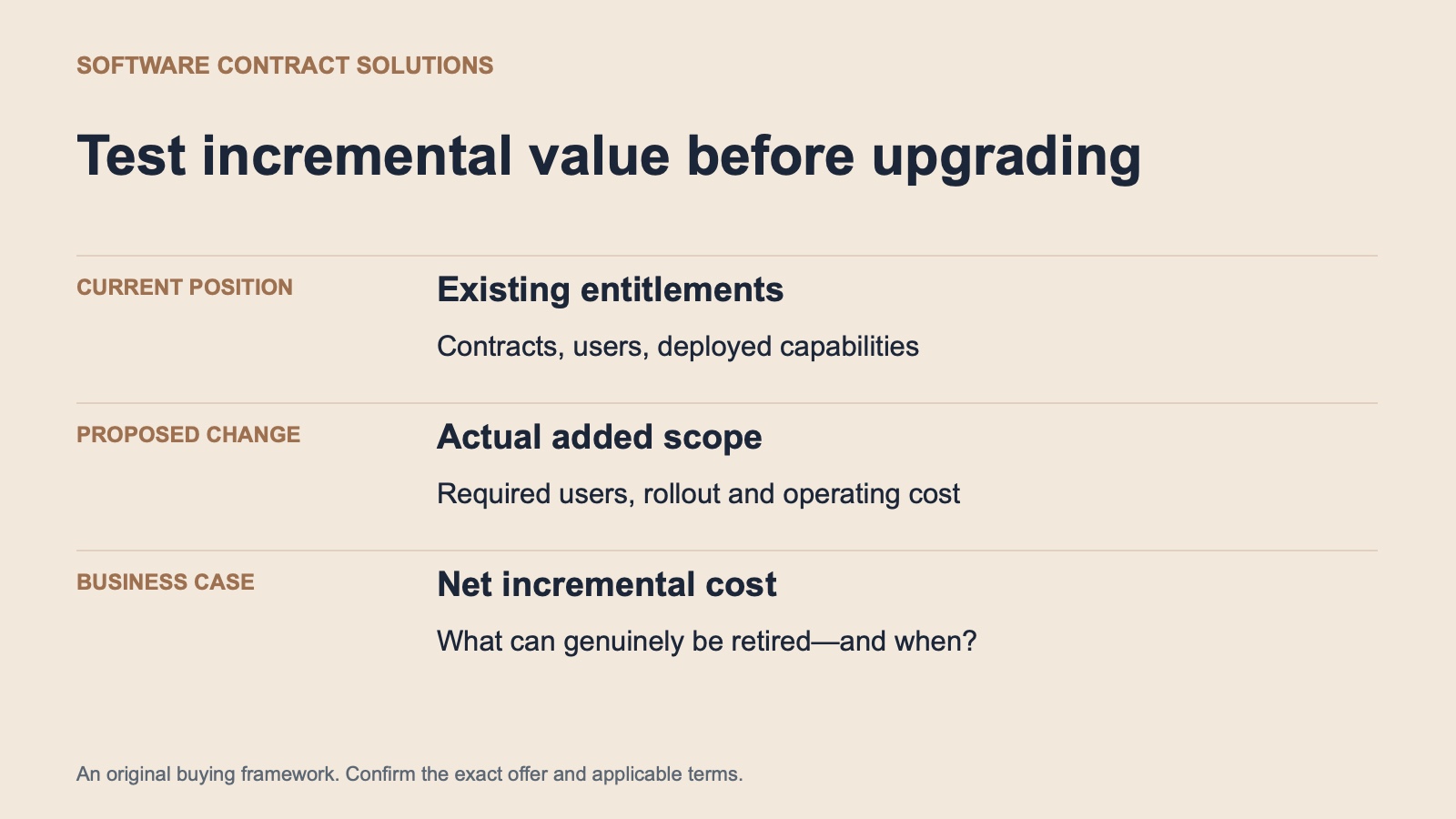
Ask finance, technology and procurement to sign off on one comparison: the cost of the proposed scope, less costs that can actually stop, plus implementation and ongoing operation. Document what has to happen for each expected benefit to be realized. Compare that with retaining the current mix or buying selected additional capabilities where available.
SCS Software Asset Management Services can help establish the entitlement and deployment baseline. SaaS Negotiations and Benchmarking supports the wider commercial evaluation. To assess an E7 proposal, request a free introductory consultation with your current mix, proposed scope and renewal date.