
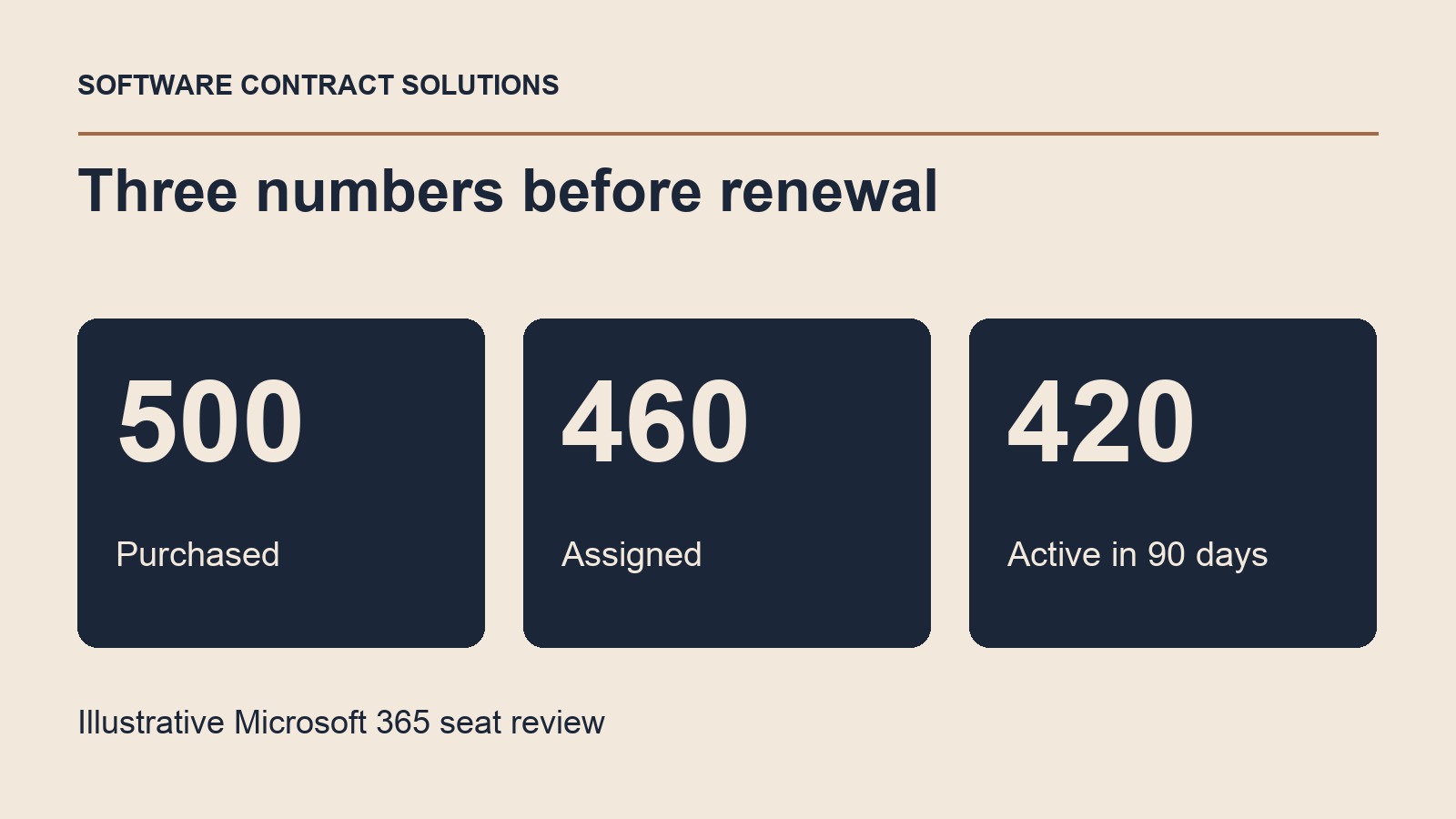
Before accepting the next Microsoft 365 renewal baseline, have IT, procurement and finance agree on three numbers: seats purchased, seats assigned, and assigned accounts showing activity in the services you reviewed. Use the same plan and tenant, gather the figures close together, and record the reporting window.
For a CIO or chief procurement officer, the decision is what quantity and capability mix the organization needs to commit to. Unassigned seats may support planned hires. A licensed account with little reported activity may still need a security, compliance or job-specific feature. Each gap needs an explanation before it becomes part of the next order.
Why the 2026 changes matter at renewal
Microsoft’s March 24, 2026 pricing FAQ states that the new commercial pricing took effect July 1, 2026, with existing customers seeing it at their next renewal after that date. This is an existing change to account for in an upcoming negotiation. Review the applicable SKU, agreement term and renewal date before accepting the supplier’s proposed baseline.
Microsoft also published 2026 packaging changes alongside its pricing update. Ask technical owners to map the capabilities included in the proposed suite against requirements and separately purchased products. A capability appearing in a bundle is a reason to review overlap; any replacement still needs technical, security and commercial approval.
For state and other government buyers, confirm the cloud environment and exact government SKU. Microsoft’s government FAQ describes separate cloud coverage and a compliance-aligned feature roadmap. Do not carry a commercial feature assumption into a government renewal without checking the applicable offering. Have the procurement owner confirm the permitted purchasing route and approvals.
Start with the seats you pay for
Record the product and plan name, committed seat count, billing channel and next date when your team can request a change. Start with your latest order or reseller statement and check it against the governing agreement. If you have multiple subscriptions or tenants, keep their counts distinct. Ask the contract owner to confirm which quantities can change and when.
Next, have your administrator pull the current assignment count for the same plan and tenant. Date the snapshot. If you buy the same plan through multiple orders, document how the tenant-level assignments correspond to your orders before comparing totals. Check for overlapping assignments. Microsoft’s license assignment guide explains where administrators can review and manage assignments.
Measure activity for the work that matters
Ask what a person in each role needs from the assigned plan. Which Microsoft 365 services or features keep that job running? Choose the usage reports that show relevant activity. Microsoft’s usage reports overview lists the reports, supported roles and reporting delays. The available windows and the meaning of reported activity depend on the report. Its active users report guide shows how activity is represented by product.
Use the same date range for the services you compare. Keep a note of the report refresh date, and count an account once where your approved reporting setup allows a comparison. A quiet period could reflect a leave, a seasonal role, or a service your report doesn’t measure. If reports hide user details or you only have aggregate figures, have an authorized administrator validate the relevant group through the normal access process. Share the minimum data the renewal team needs.
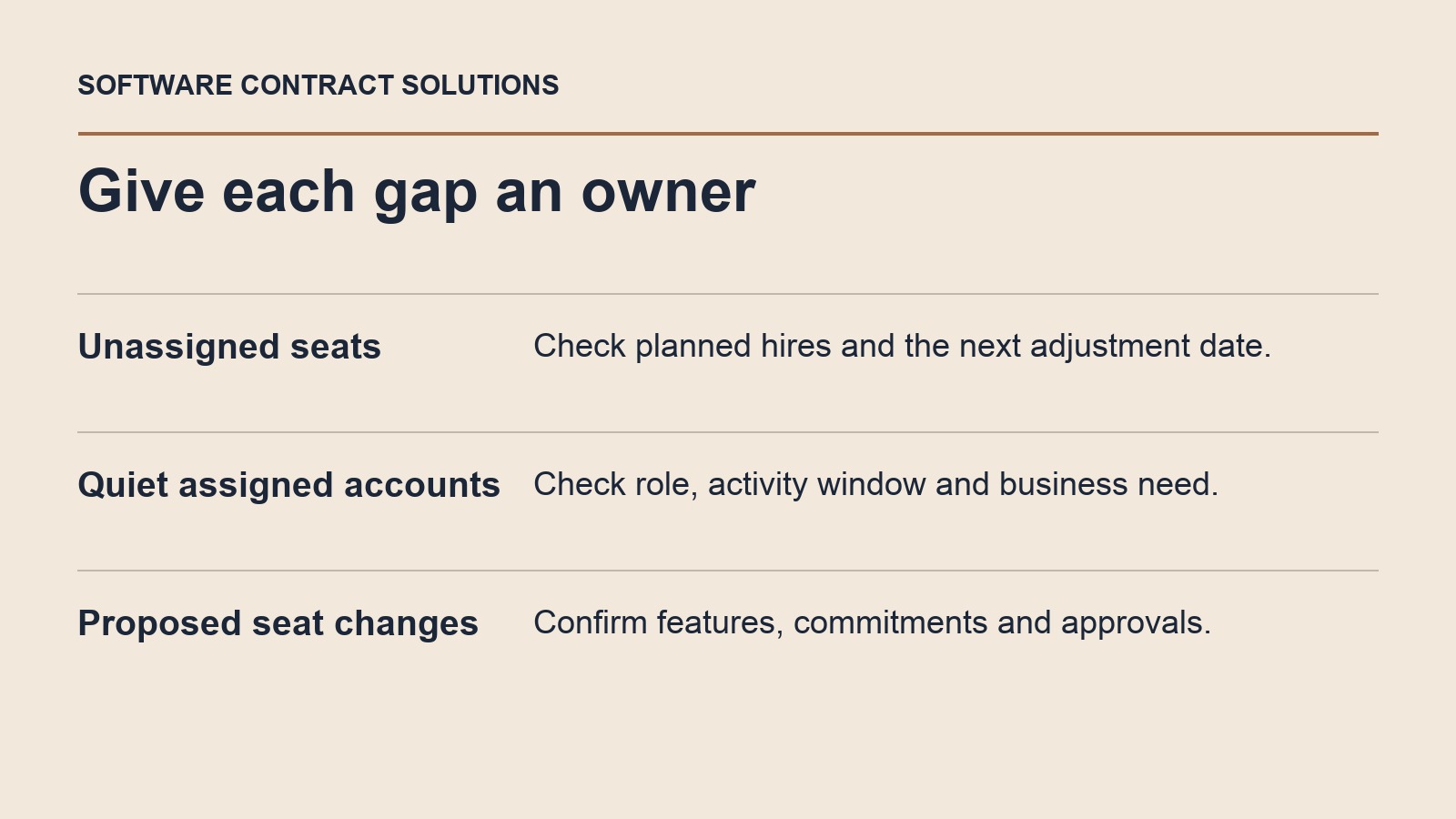
Give each gap an owner
In a hypothetical example, you buy 500 seats, assign 460, and find that 420 of those same assigned accounts had reported activity in the selected services over 90 days. You have 40 unassigned seats and a separate group of 40 assigned accounts with no activity shown in those reports. The two groups deserve different checks.
Ask the business owner which of the 40 unassigned seats support near-term hires or projects. Ask IT and department leads to review the quiet accounts, including whether a lower-usage role still needs specific features. Before proposing an assignment or plan change, have the responsible owners check the access, security, and records implications for the affected users. A confirmed change in assignment still needs to be reconciled with what you can change on the order.
Bring a decision the leadership team can approve
Give the CIO the proposed capability mix, finance the quantity assumptions, and procurement the dates and terms that control the commitment. Keep unresolved exceptions visible. A useful approval record distinguishes an assignment change from a change the contract actually permits on the order.
Record the counts, the evidence date and any open exceptions. Show the proposed quantity by plan and the assumptions that support it. If you have an unresolved hiring forecast or a team whose feature requirements are still under review, give each decision an owner and a date. Ask for a proposal with the quantities and terms your team needs to compare.
Use this check alongside your software subscription renewal plan. If your team needs help checking a renewal baseline or comparing the commercial options, see SCS license advisory services or request a free introductory consultation. Bring the plan names, renewal date and the three counts your team has verified.